
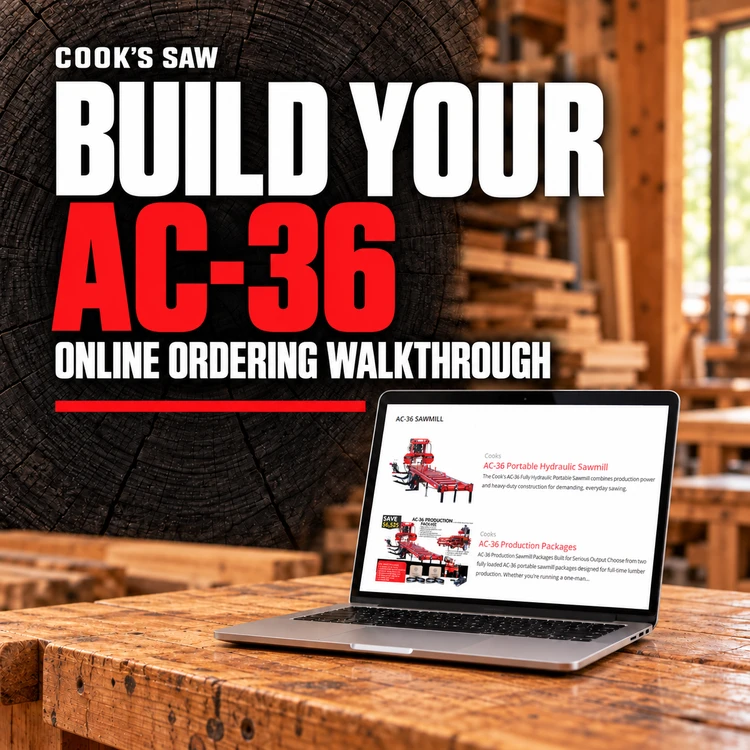
How to Order an AC-36 Sawmill With Cook’s Online Builder
Oct 15th 2026
Knowing how to order an AC-36 sawmill starts with understanding your choices. Power, handling options, blade maintenance, and support equipment all belong in the conversation. Our online sawmill builder helps you organize those decisions before talking with Cook’s.
In the video walkthrough, Robert demonstrates how to select equipment, watch the running total, and send a build for review. You can explore a setup at your own pace, then discuss the details with someone who understands the equipment.
Choose Your AC-36 Power Configuration
Robert begins with five power choices: two electric configurations, one gas configuration, and two diesel configurations. He selects the 49 horsepower diesel for the demonstration, then later switches to the 67 horsepower configuration to show how included equipment changes.
Start with your intended worksite. Will you stay in one location or move between jobs? What electrical service is available? Electric configurations ship stationary, while gas and diesel configurations include a dual axle with brakes as standard.
Explain your work plans when discussing power with Cook’s. Your location, typical logs, and operating routine provide a better starting point than horsepower alone.
Review the Standard Sawmill Features
Step two explains the features included with the sawmill. Read those descriptions before adding equipment so you understand what your starting configuration already provides.
Robert notes that the mill includes roller guides and one blade alignment tool. The builder also lists a box of ten blades sized for your mill. Additional tools and replacement items can be considered separately.
Keep questions handy as you review. If a feature is unfamiliar, ask how it fits your work. That conversation can help you decide which additions deserve a closer look.
Compare AC-36 Sawmill Options
Step three is where you customize the mill. Robert walks through options tied to specific tasks, giving you more context for choosing your setup.
Power taper rollers help reposition the log. A mud saw debarker clears a path for the blade. Computer setworks is another selection Robert highlights, with a separate video available for a deeper explanation.
He also discusses live belts for moving boards away from the mill and a laser sight guide that shows where the blade will enter the cut. Dragback guides help control boards as they return, particularly when an uneven end makes handling more difficult.
A third squaring arm addresses short logs. Extra frame length is another consideration. If your work calls for an unusual length or arrangement, contact Cook’s to discuss the configuration before deciding.
Give each addition a purpose. Describe the task you want to improve, then ask which option fits that job. Pay attention to factory-only selections that must be included in the original build.
Watch the Running Total and Included Equipment
As Robert adds or removes selections, the running total changes at the bottom of the screen. That lets you compare possible builds while considering your budget.
The demonstration also shows why configuration details matter. When Robert switches to the 67 horsepower option, computer setworks and the debarker appear as included equipment. The builder accounts for those items rather than treating them as duplicate additions.
Review the summary whenever you change your power selection. Look at what is included, what you added, and which questions remain. Confirm the final configuration and pricing with Cook’s before ordering.
You can compare different combinations without deciding immediately. Note which features matter most, and bring those priorities to your follow-up conversation with Robert.
Add Blades and Useful Spare Parts
The blades and spare parts section lets you choose additional supplies. Robert demonstrates changing blade box quantities and removing selections, with those changes reflected in the build total.
Think about the material you expect to saw and ask Cook’s to confirm suitable blade choices. Width, thickness, pitch, and compatibility deserve attention before adding boxes to your setup.
You can also consider extra roller guides or another blade alignment tool. Robert explains that a second alignment tool can serve as a spare or allow two tools to be used during alignment. Choose supplies around your maintenance routine.
Choose a Blade Maintenance Approach
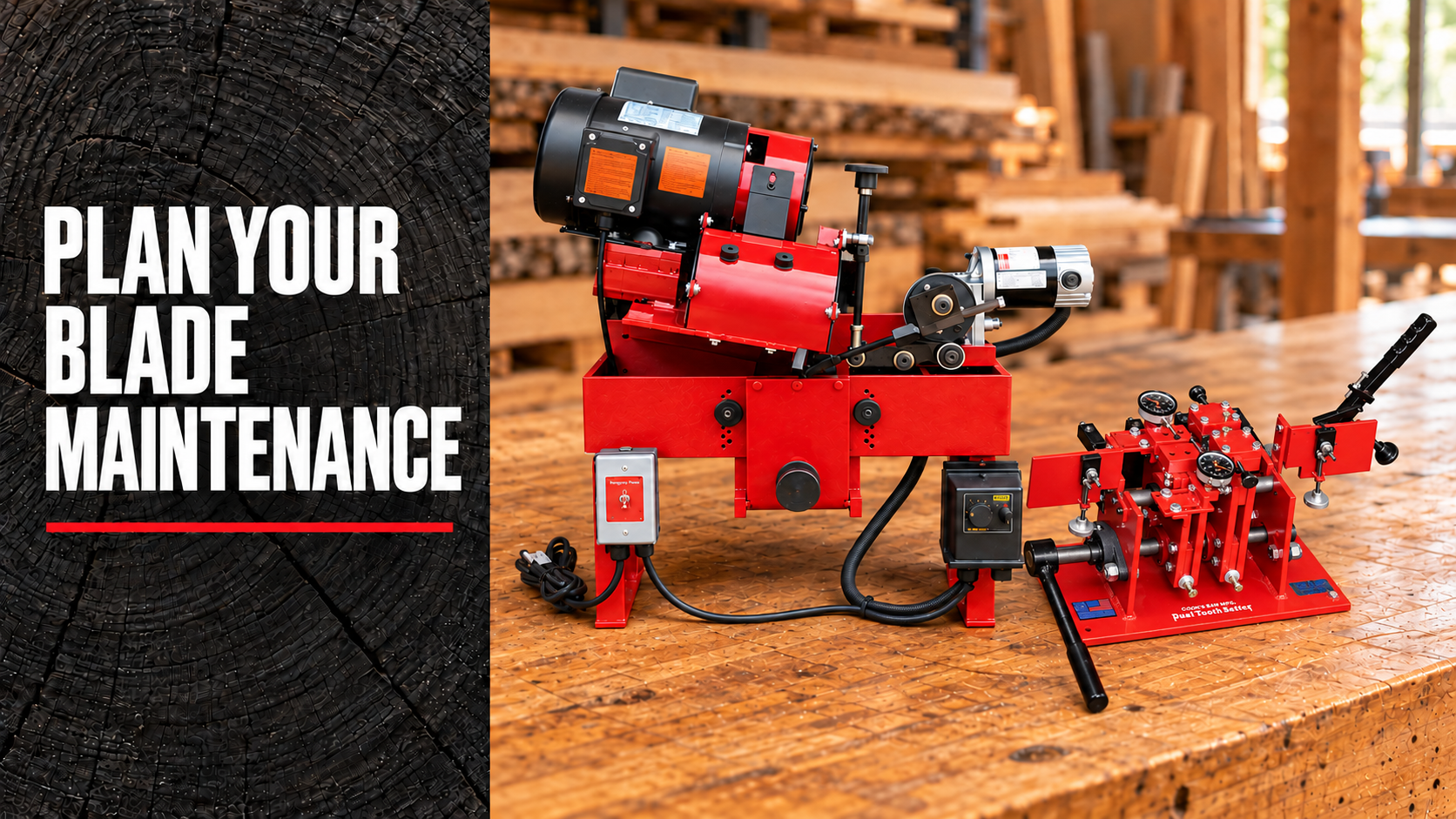
The builder includes sharpeners, single and dual setters, and package selections. Robert shows how choosing a package affects the other available selections.
If you want to maintain blades yourself, discuss the equipment and process with Cook’s. Think about who will handle the work, where the equipment will go, and how maintenance fits your schedule.
Robert also mentions Cook’s resharpening service. Consider both approaches and ask questions before deciding how you want to manage blade maintenance.
Plan Support Equipment for Your Yard
A log deck can be selected in the builder. Robert also discusses board edgers and resaws, with a phone conversation recommended for working through equipment packages and bundles.
Think beyond the cut itself. How will logs reach the mill? Where will boards go afterward? Explain your available space, crew, and intended products when discussing support equipment.
The goal is a setup that fits your work and budget. Bring those details into the conversation so equipment choices have a clear connection to your operation.
Review Shipping, Pickup, and Financing
Near the end, Robert reviews the build summary and discusses shipping versus pickup. If you need delivery, provide your location so Cook’s can work through shipping costs.
The walkthrough also shows a financing estimator and a link to an application. Use those tools to begin exploring the process, then confirm available terms and your questions with the appropriate financing provider.
Ask Cook’s to confirm delivery arrangements, applicable taxes, and final charges before committing. Your completed build is a starting point for that discussion.
Send Your Build and Watch the Walkthrough
Add your contact information and notes about your work. Submitting a build starts a conversation; it does not place an order.
Watch Robert’s AC-36 ordering walkthrough
Explore AC-36 sawmills and packages
Ready to get started? Build your AC-36 online, send your selections, and let’s work through the details together.
Build Your AC-36